
Aggregate stats
Parents see total stories read, reading-time equivalent (e.g. minutes or hours), streak count, and recent activity. This helps track consistency and celebrate progress.
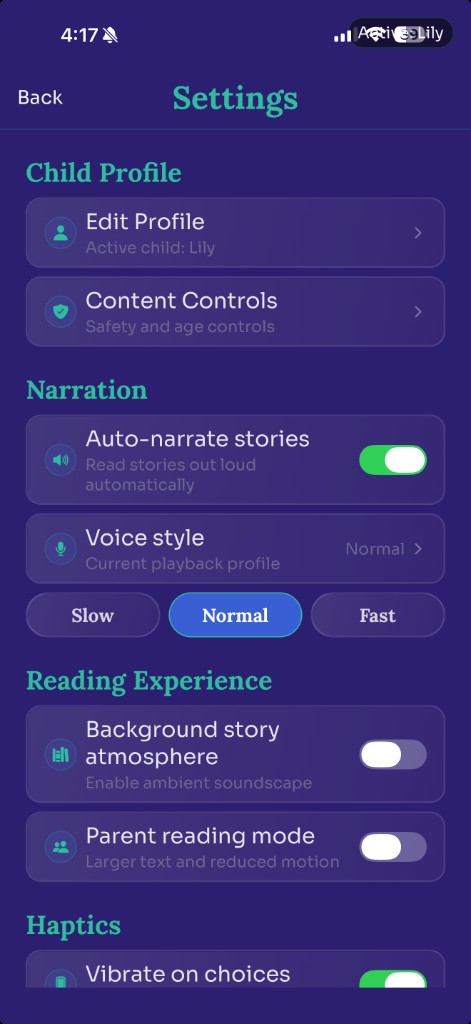
Dashboard-style surface showing reading trends.
StoryWell gives caregivers visibility and control without adding bedtime friction.
The dashboard shows aggregate stats at a glance: total stories completed, reading-time equivalent, streak, and recent activity. A screenshot or mockup illustrates the dashboard screen.
Parents see total stories read, reading-time equivalent (e.g. minutes or hours), streak count, and recent activity. This helps track consistency and celebrate progress.
Dashboard-style surface showing reading trends.
StoryWell surfaces which themes, companions, styles, and characters your child gravitates toward — positioned as insight to support bedtime choices, not data collection. Parents can use this to suggest new adventures or lean into favourites.
The library holds saved stories with filters (all / favourites / save-type), open, rename, favourite toggle, and delete. Share via the system share sheet is available.
Saved stories appear in a list. Filter by all, favourites, or save-type. Open any story to read, rename it, toggle favourite, or delete. Share via the system share sheet for sending to family.
Library list with saved stories.
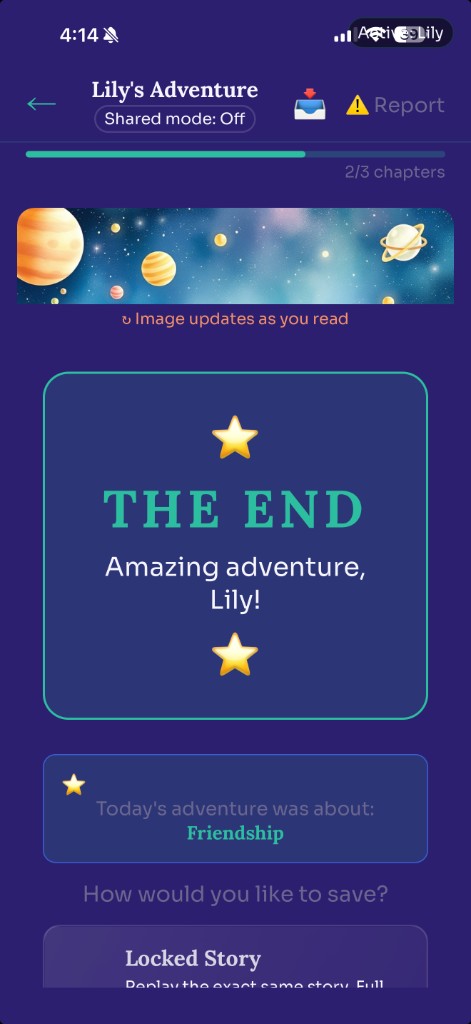
When a story ends, your child taps Save Story to keep it. The full adventure — every chapter and all the illustrations — is saved to the library as a single flowing story they can re-read, listen to with narration, or share it with family.
The content controls screen shows toggles for safety and tone dimensions. Some controls are reading-level-locked: for example, certain peril options are unavailable for “Early” readers to keep stories age-appropriate.
Parents find content controls under Settings → Content Controls. Toggles let you adjust safety and tone to match your family’s preferences.
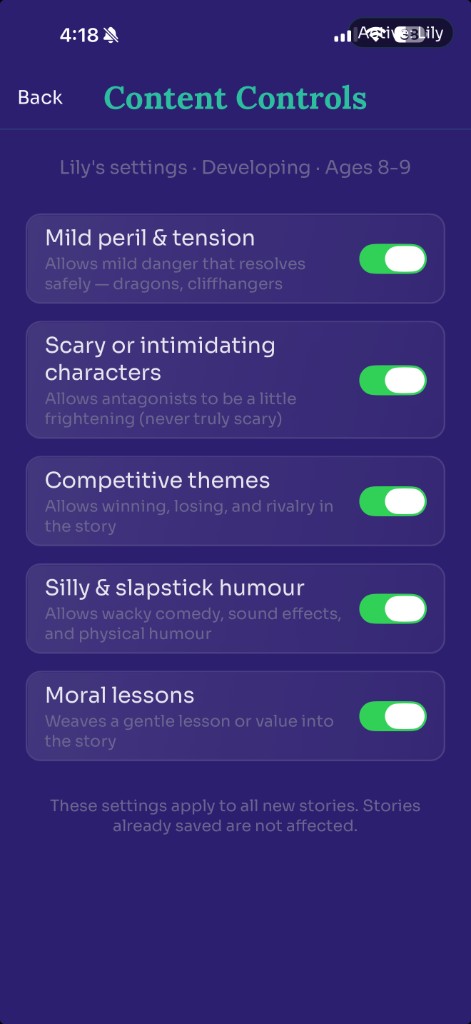
Setup surface illustrating control context.
This section is addressed to parents and caregivers. Sign out, profile edit, and account deletion are available from the account panel.
Sign out — Ends the current session. Profile edit — Update child profile details and preferences.
Account deletion — One action, complete removal. StoryWell wipes local data (encrypted SQLite) and sends a backend deletion request. Your family’s data is removed from our systems. The flow is clearly marked and prompts for confirmation before completion.